
How to Add an Organizational Integration

To link a new organization-wide integration, first log in, then press on “Integrations” in the top Navigation bar.

In the top section, you’ll see “Organizational Integrations.”
These are company-wide integrations, including Microsoft 365, Google Suite, Zoom, Confluence, and Slack.
Find the integration and press “Connect.” You’ll need to be an admin of this platform to allow it to connect.

An OAuth page will appear where you can grant Comma Compliance access to this platform.
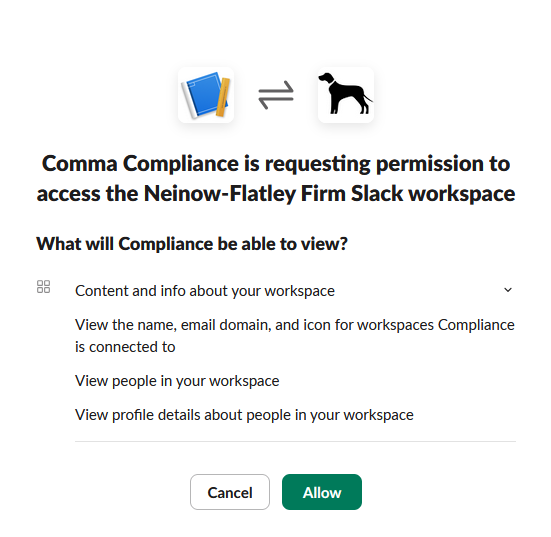
Press “Allow.”
Your organizations Slack channels can now be captured and archived by Comma Compliance.
Note:You can have multiple organizational integrations. If you have a large organization with multiple instances, you can ensure you are capturing and archiving all necessary communication.